
Sidebar
size
This is an old revision of the document!
Grid: Size Tool Group
The Size dropdown tool contains icons for changing how many cells are visible in your viewport
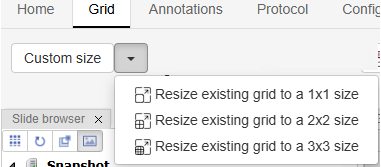
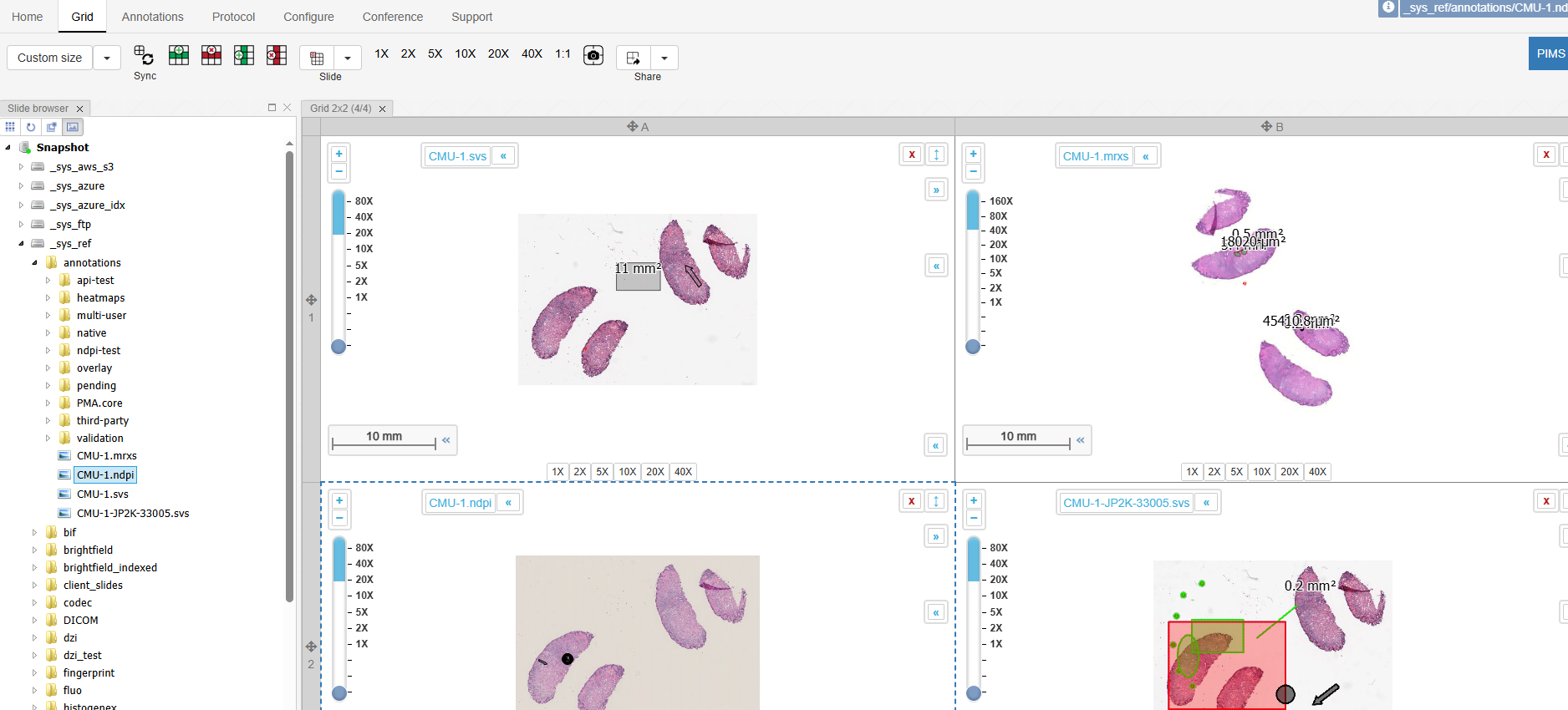
User can make a 1×1, 2×2, and 3×3 viewport grid, with 1, 4 and 9 images - respectively. The 2×2 option is shown below:
When you click one of the options, the software will ask if you want to keep the current images or replace them.
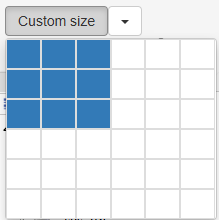
The custom size option allows you select how many cells tall and wide you want your viewport to be.
size.1746904494.txt.gz · Last modified: 2025/05/10 22:14 by ali


