
Sidebar
style
This is an old revision of the document!
Annotations: Style Workgroup
The Annotation style section contains icons for configuring annotation colour and transparency.
All annotation styles are set by clicking the icon and choosing a colour, number, or percentage from the dropdown menu.
Annotation colour
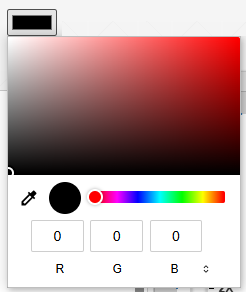
Clicking the annotation colour lets you choose the outline colour of your annotation
Annotation thickness
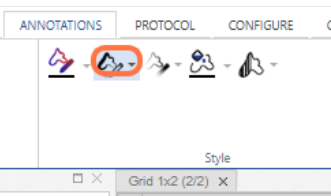
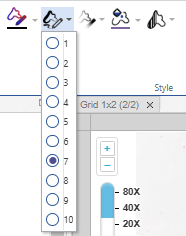
Clicking the annotation thickness lets you choose the thickness of the line of your annotation
You can choose a number from 1-10 in the dropdown menu:
Annotation opacity
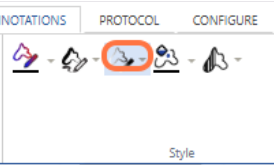
Clicking the annotation opacity lets you choose how opaque/transparent your annotation outline is
Fill colour
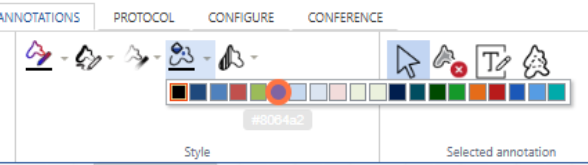
Clicking the fill colour lets you choose the fill colour of your annotation (if its a closed shape)
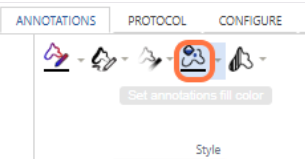
You can select a colour from the dropdown menu:
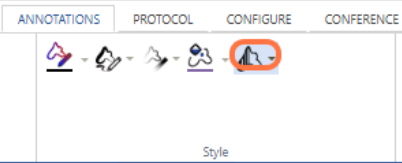
Fill opacity
Clicking the fill opacity lets you choose the fill opacity/transparency for your closed shape annotations e.g. square, closed freehand
style.1746908348.txt.gz · Last modified: 2025/05/10 23:19 by ali


