
This is an old revision of the document!
Table of Contents
Annotations
Basic Controls
To start with we have basic set of controls that allows us perform different operations on an annotation. It includes saving, toggling and styling of the annotation.

Toggling Annotation Panel
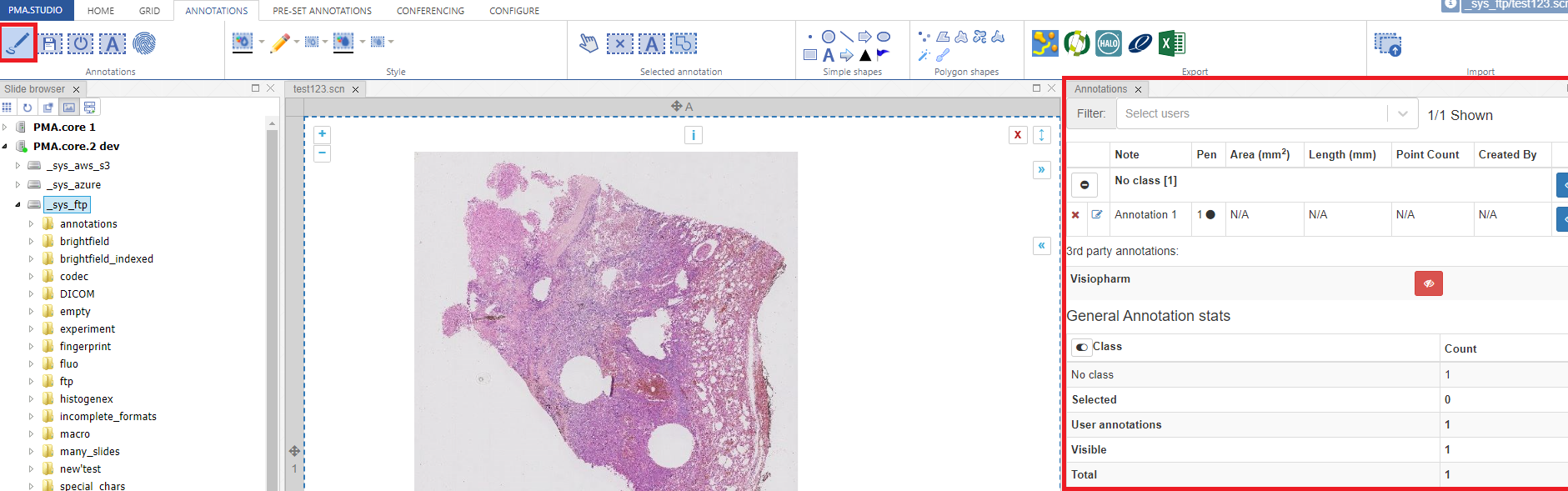
The very first button in the annotation panel is “Toggle Annotation Panel” which adds the annotation panel to the viewport. The panel shows details about all the annotations you added to a particular slide with different stats as well.
Saving and auto-saving annotations
Next is “Save Annotations” button that allows you to save annotation to the PMA.core server. Once you click on it you will get a notification if annotation was successfully save or not.

Controlling the visibility of annotations elements
(Toggle Annotations)
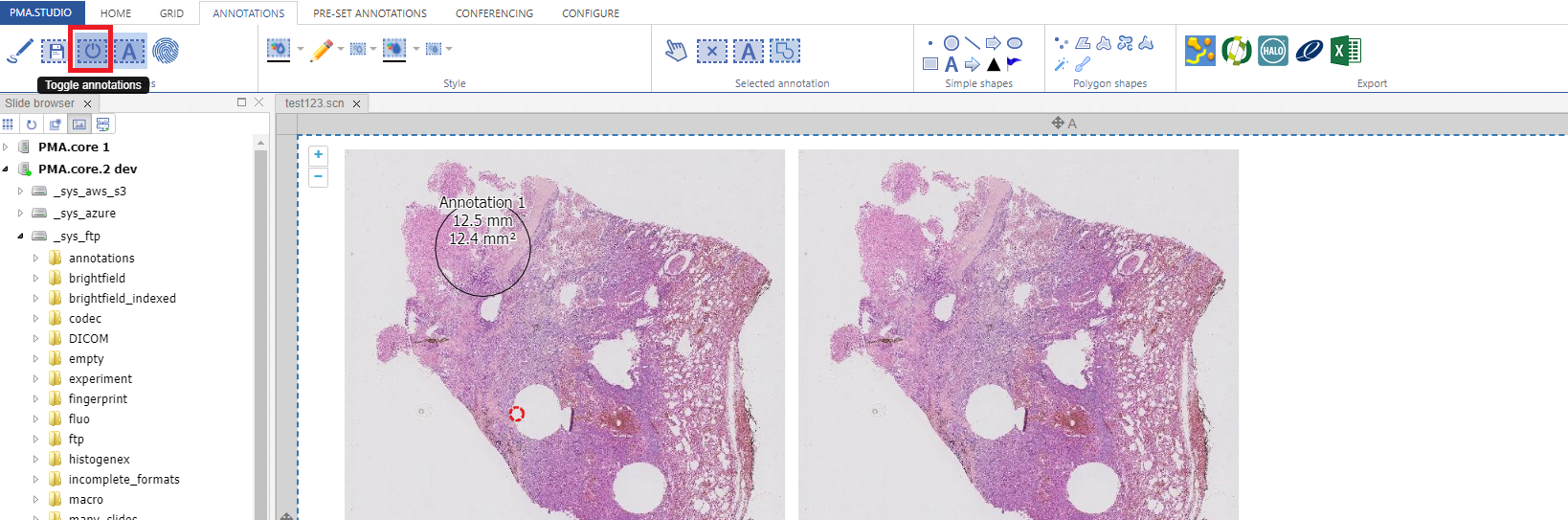
To control the visibility of annotation elements we can click on the “Toggle Annotations” button. The settings on the ribbon are applied global to all annotations. You can control the visibility of individual annotations via the annotations panel.
(Toggle Annotation Text)
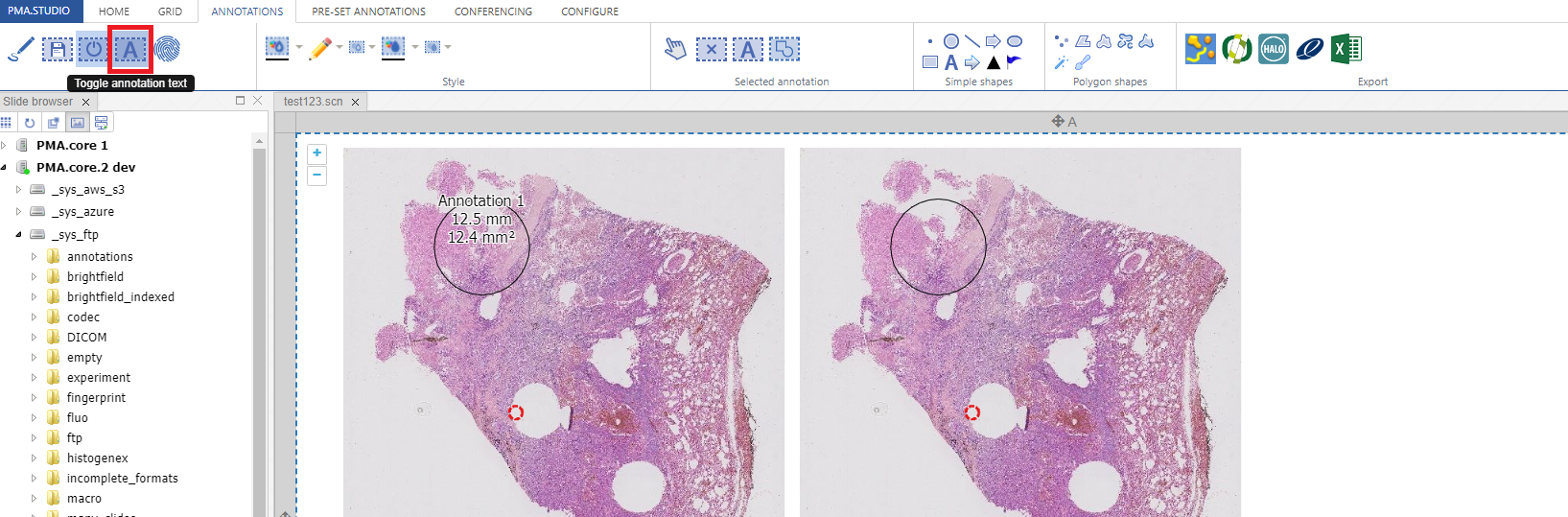
“Toggle Annotation Text” button allows us to control visibility of annotation text only.
Styling your annotations

…