
annotations_simple
This is an old revision of the document!
Simple shapes
Below are the set of simple shapes that can be added to a annotation.

- Point
- Circle
- Line
- Arrow
- Ellipse
- Rectangle
- Text
- Landmark 1
- Landmark 2
- Landmark 3
Point Shape
Lets start with drawing a point, once you select the shape and click on the slide; a point will be drawn and a popup dialog would appear that would allow you to add annotation title and classification. Once you press “Add Annotation” the annotation will be saved and will appear on the slide.

Circle Shape
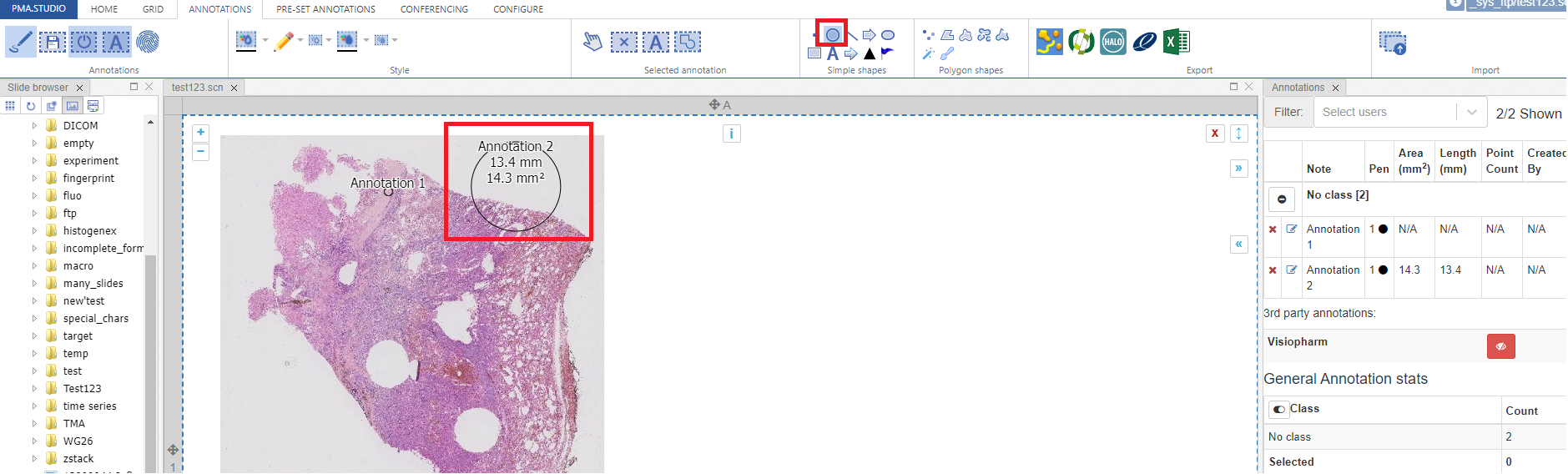
Next is “Circle” tool that allows you to draw circle annotation on a slide.
annotations_simple.1650554866.txt.gz · Last modified: by ali