
folder_tools
This is an old revision of the document!
Folder tools group
The Folder Tools group in the Home tab contains controls for searching & navigating folders
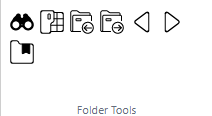
The icons, from left to right
Top Row
- 1 Search icon - read more about searching here
- 2 Open current folder in grid - opens the menu below:
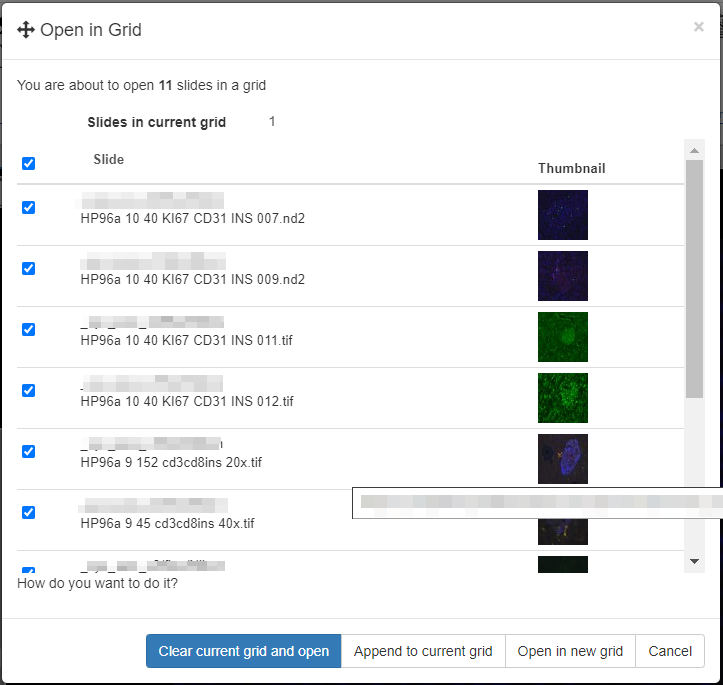
Here you can choose images from the currently highlighted folder in the slide browser to open into your current grid, or make a new grid.
- 3 Previous folder - selects and opens the previous folder
- 4 Next folder - selects and opens the previous folder
folder_tools.1731586690.txt.gz · Last modified: by chris