This is an old revision of the document!
Annotations: Style Workgroup
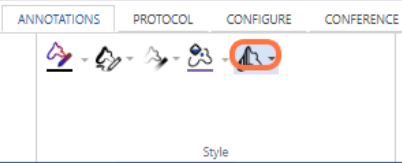
The Annotation style toolgroup contains icons for configuring annotation colour and transparency.
All annotation styles are set by clicking the down arrow and choosing a colour, number, or percentage from the dropdown menu.
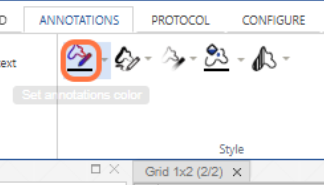
Annotation colour
Clicking the annotation colour lets you choose the outline colour of your annotation
Annotation thickness
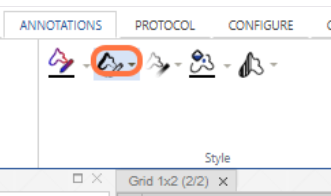
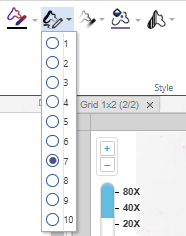
Clicking the annotation thickness lets you choose the thickness of the line of your annotation
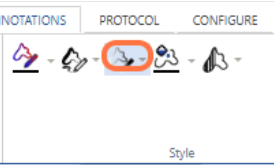
Annotation opacity
Clicking the annotation opacity lets you choose how opaque/transparent your annotation outline is
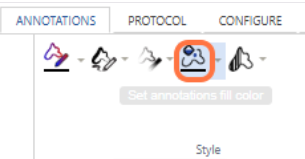
Fill colour
Clicking the fill colour lets you choose the fill colour of your annotation (if its a closed shape)
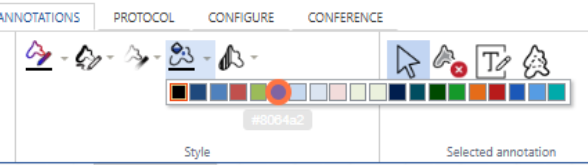
The dropdown menu looks like this:
Fill opacity
Clicking the fill opacity lets you choose the fill opacity/transparency for your closed shape annotations e.g. square, closed freehand
The menu to select an opacity percentage looks like this: