
license_setup
This is an old revision of the document!
Table of Contents
License setup and expiration
First time users
When starting the application for the first time a license will be required.
Close to expiration
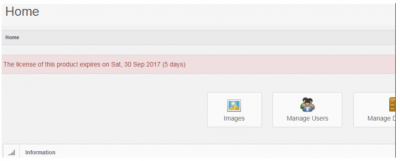
When license expiration is less than a month away, a warning message appears:
Expired licenses
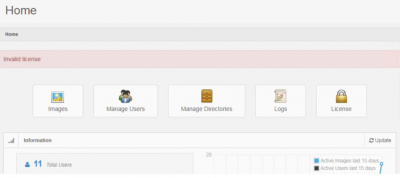
When the license is expired, you are notified of this right after logging in:
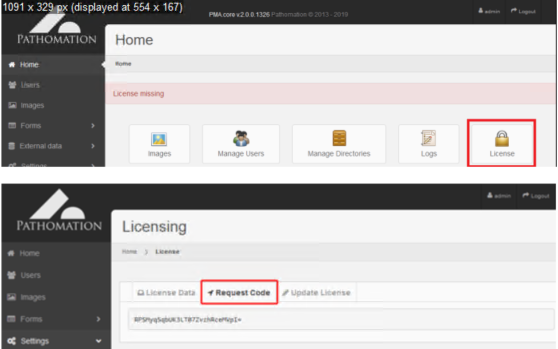
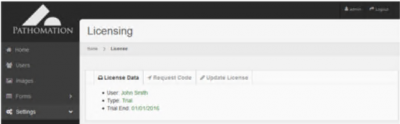
The system will display a section where license information can be found. The user must copy the request code, which can be found in the second tab and send it to the vendor:
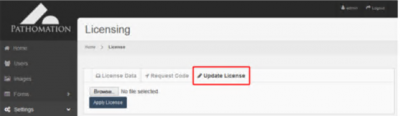
The vendor will provide the user with an appropriate license file, which can be installed from within the third tab:
Once the license has been successfully installed, the system will display the appropriate message.
license_setup.1646653419.txt.gz · Last modified: by yves